
To take control over which projects gain approval and visibility on your platform, you can enable project validation with the following steps. Enabling project validation is set on Campaign level:
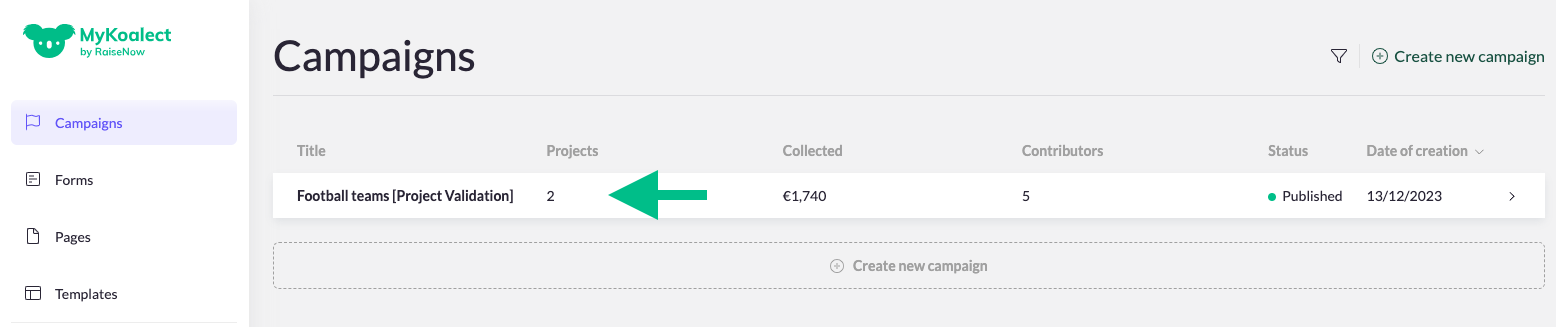
- Navigate to 'Campaigns' in the vertical menu > Select the campaign for which you want to enable project validation.
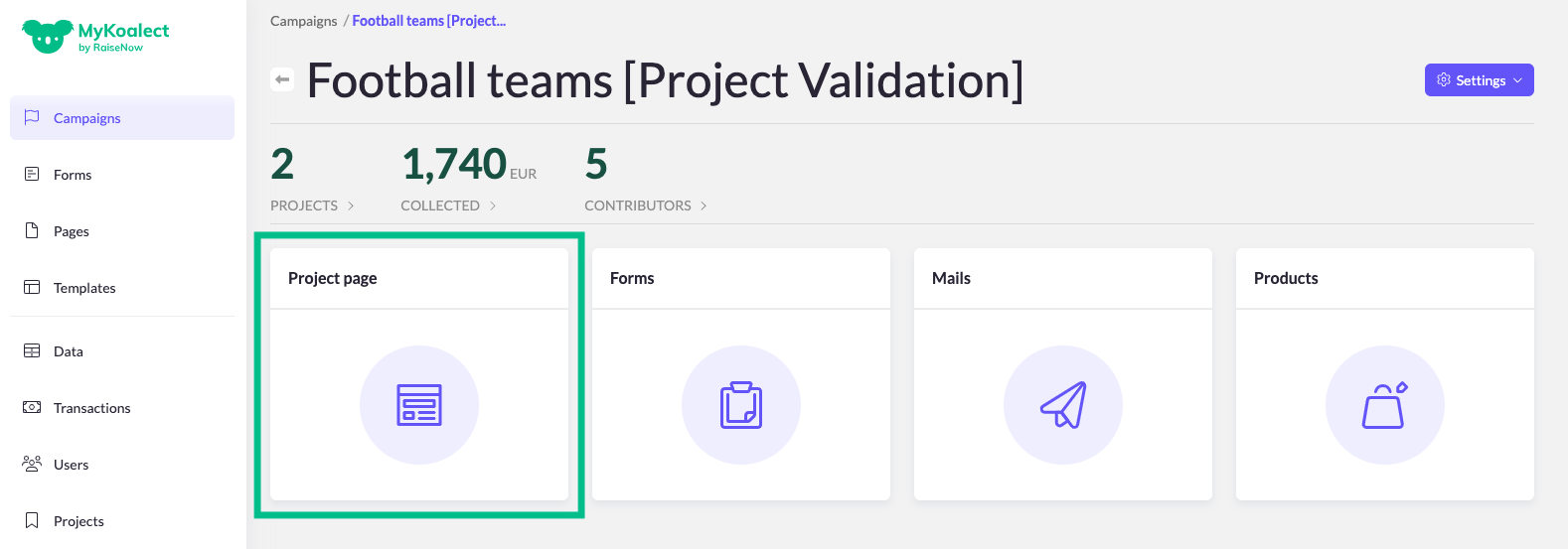
- Go to 'Project page' and click on 'Project Validation' to access the feature settings.
- Enable Project Validation for the selected campaign.
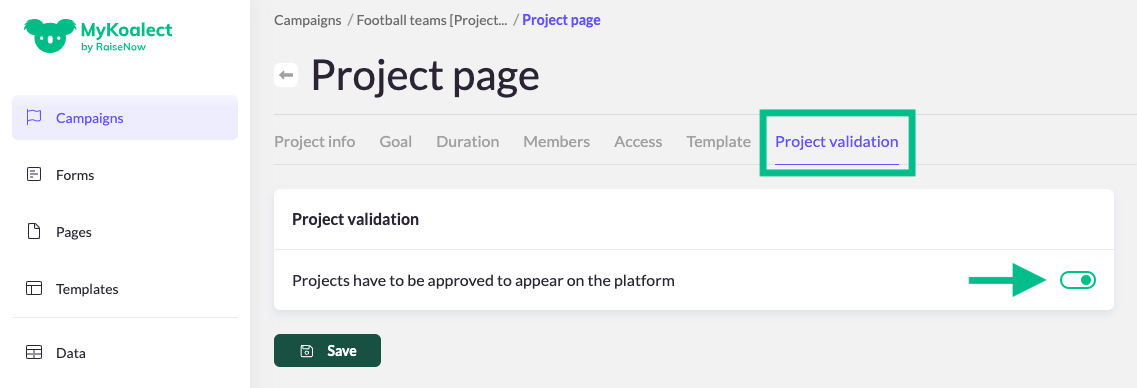
Upon activation the project validation setting, users creating new projects will receive automatically a notification/pop-up directly after creating the project, notifying them that their project is currently awaiting approval by an administrator. Until then, the user's page is not visible, cannot be shared and can't collect donations.
What happens if I disable the project validation feature in an ongoing campaign?
Projects created in the past, which are yet to receive approval, will still need approval before becoming public. However, newly created projects will no longer need approval.