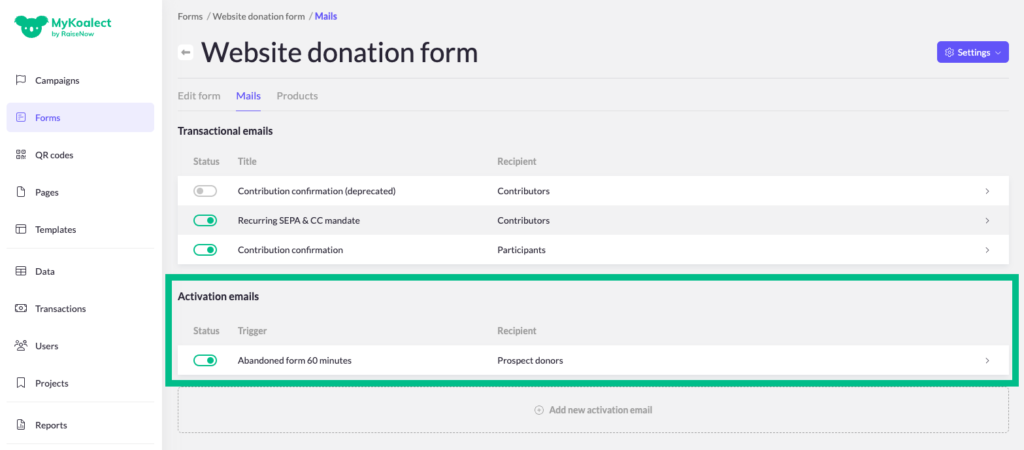
In each form, there are automatic mails that are sent out when a form is filled out, to specific recipients.
You can enable or disable these mails based on your preference, which include pre-set default messages that can be personalised to give your donor journey a personal touch to make it more engaging.
Edit the mail
Follow these instructions
- Go to ‘Forms’ > click on the form you want to edit > ‘Mails’.
- Click on the mail you want to edit.
- Translate the email in the translation section.
- Save your edits.
Tip: In the ‘List of variables’ you find useful variables, loops, conditions and filters to further personalise the content of the mail to the recipient.
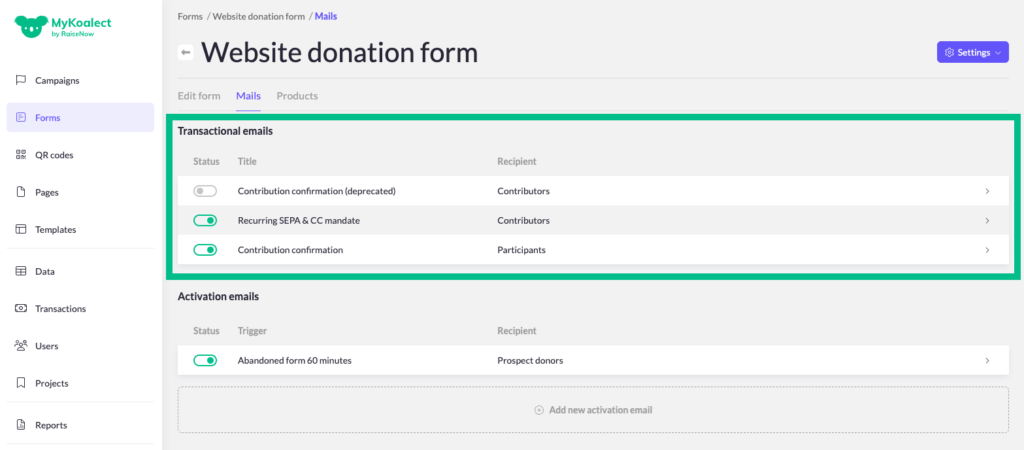
There are two types of mails:
- Transactional mails
- Activation mails
Transactional mails
These are triggered when users take an action on your form.
- Contribution Confirmation: Automatically sent after a donation or contribution is made.
- Recurring SEPA and CC Mandate: Sent when someone initiates a recurring donation with your organization. This email includes technical details about the monthly payment.
Activation mails
These are sent when a specific period has passed or a particular milestone has been reached.
- Abandoned form: Sent to users who began making a donation but didn't complete the process for any reason.