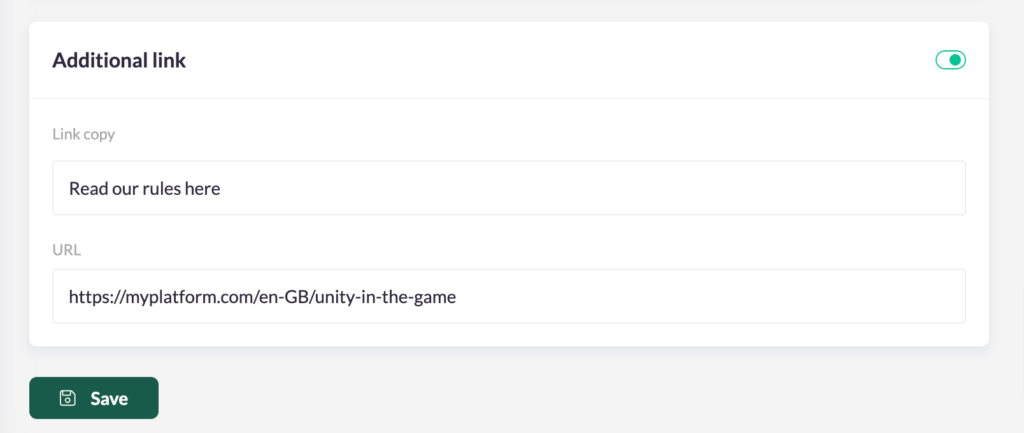
If there's more information available about your campaign on a separate page, you can add an additional link to the campaign card on your platform to link to this page. This creates clickable text underneath the button of your campaign.

Important note: The additional link is only visible when the campaign is highlighted on the page.
Add the additional link to a campaign
To link the additional link to your campaign, follow these instructions:
- Head to 'Campaigns' in the navigation column and click on the campaign you want to edit.
- Go to the settings in the top-right corner, then click on 'Details'.
- Scroll down and fill in the necessary fields.