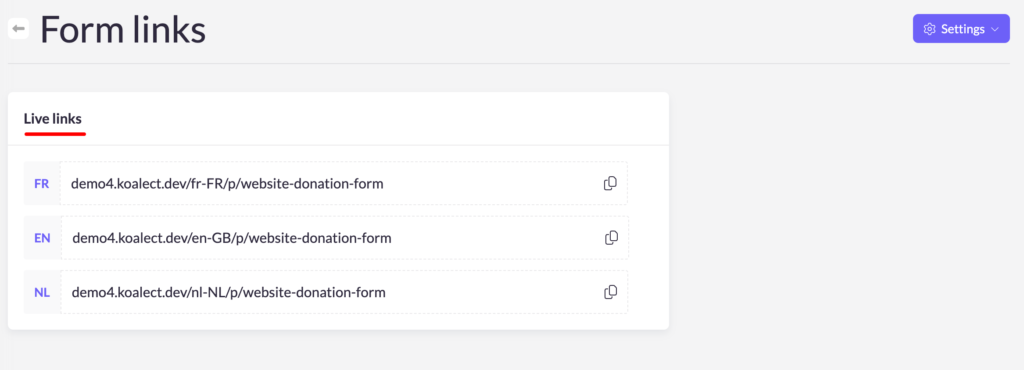
When you’re ready to start collecting contributions, set the form’s status to ‘Published’. This action will make the form live and accessible to your intended audience, allowing them to interact with it and submit their contributions.
To set the status of your form on 'published, go to 'settings' > 'Status':
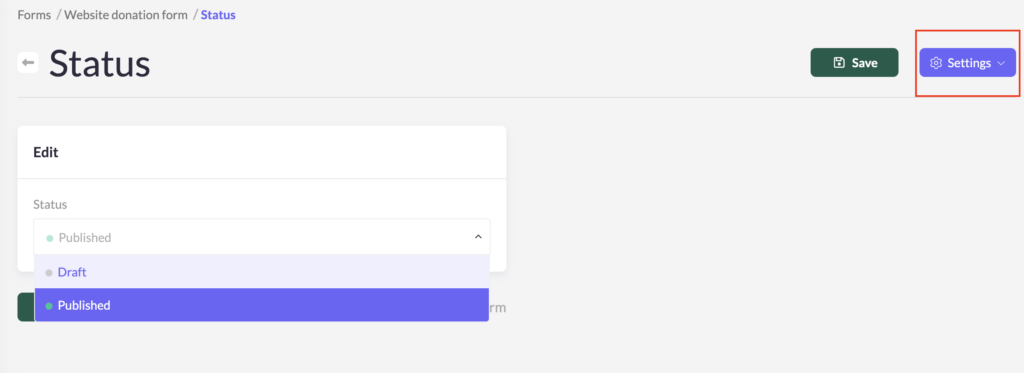
Until you reach this stage, it’s smart to keep the form in ‘Draft’ mode. This status allows you to review and make any final adjustments without the risk of public access. You can test the form’s functionality, ensure all information is accurate, and verify that all necessary fields and instructions are correctly set up. Once everything is finalized and you’re confident that the form is ready for use, change its status to ‘Published’ to open it up for contributions.
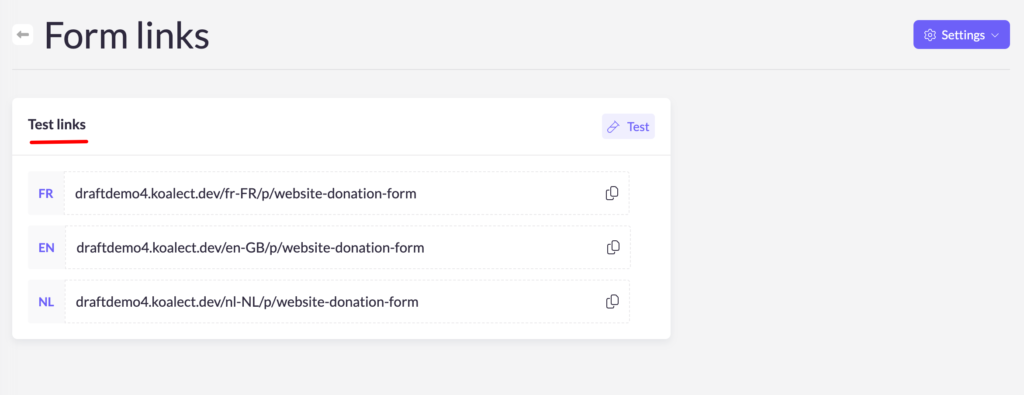
When the status of your form is set on 'draft', you can test and see your draft form via the Test link:
When the status of your form is set on 'published', you can use the Live links: