You can personalize and enhance your platform by creating and editing the main page and landing pages.
1. Build the Structure of Your Page
- Navigate to the "Pages" section in MyKoalect > Click "Create new page" and enter a title and description for your new page.
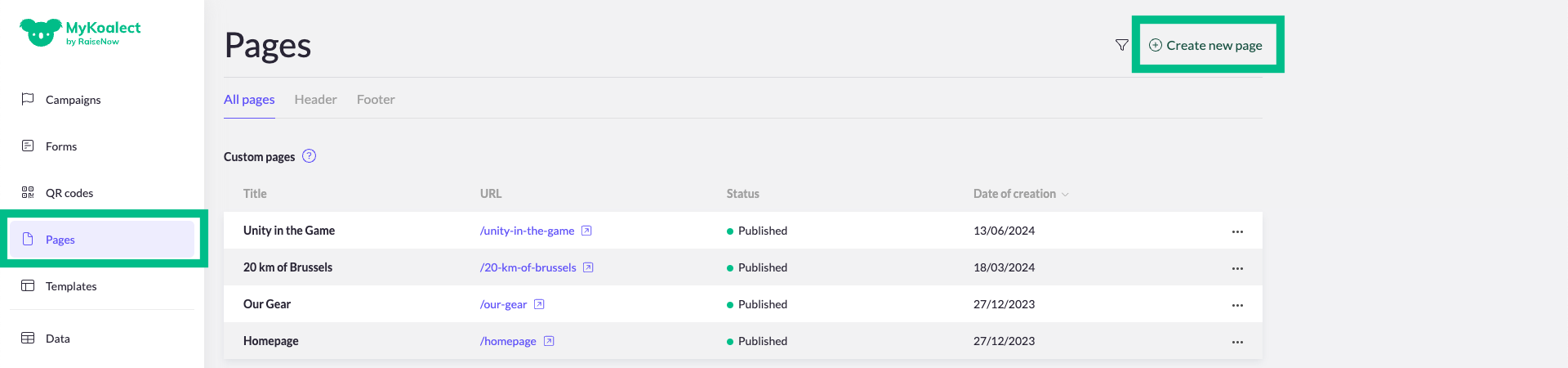
- Give the new page a title and description:
- The title you choose will also form part of your page's URL.
- The description will be displayed when sharing your page on social media, making it an important element for attracting visitors.
- Use the page builder to add new sections to your page.
- Choose from various section types. You can find a list of available sections [here].

- Choose from various section types. You can find a list of available sections [here].
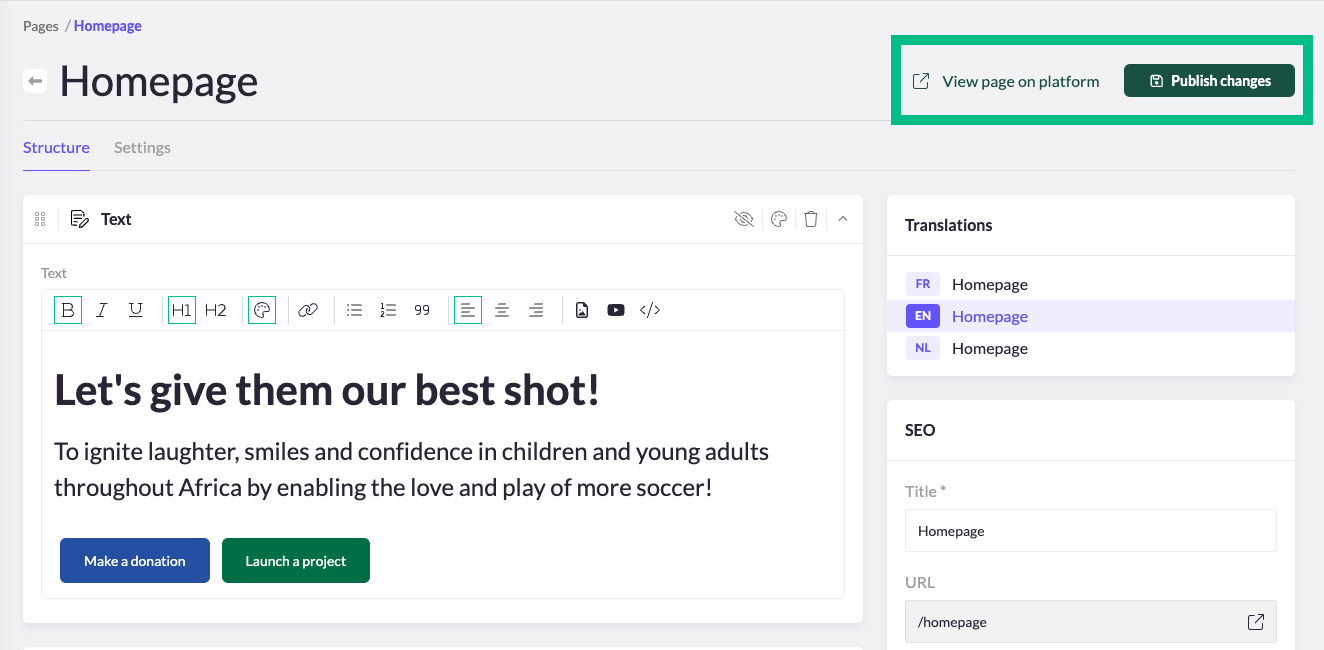
- Click "Publish changes" to save your progress.
- To see your updates, click "View page on platform."
2. Add Content to Your Sections
Text:
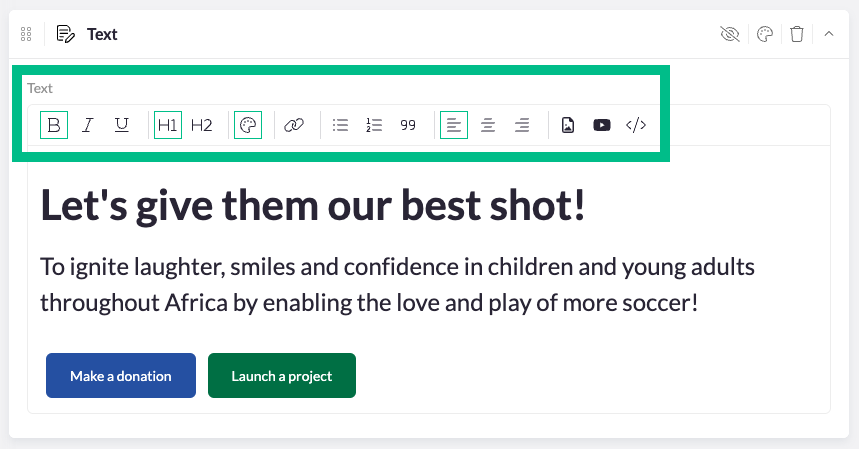
- Each section provides different ways to display text and buttons. Use the text editor to write your content.
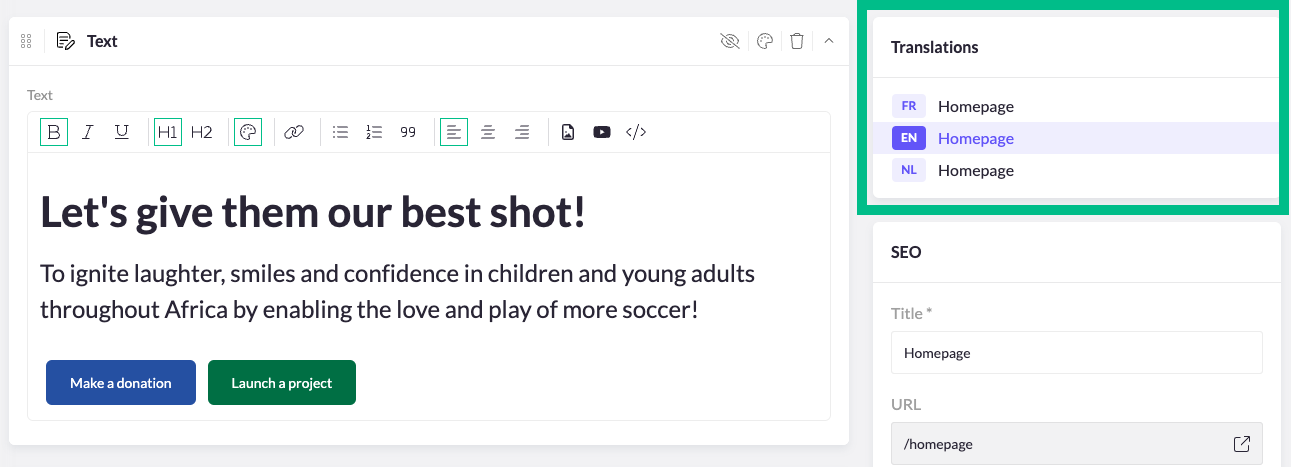
- Remember, all sections will appear in all supported languages, but content must be added separately for each language.
Customize Colors and Images:
- To change section colors or background images, click on the painter's palette icon in the right corner of the section.
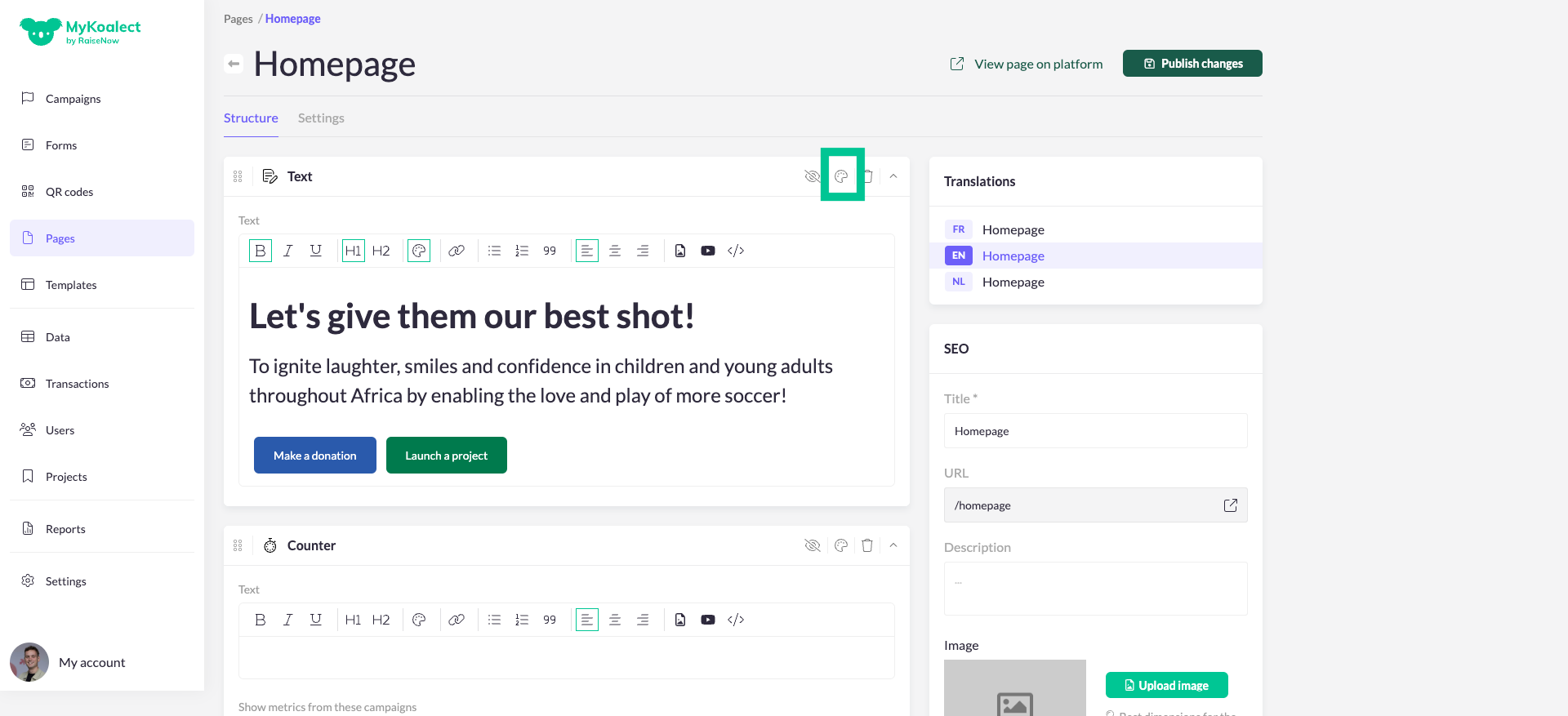
- Make text stand out by using titles, bold, italic, underline, special colors, or outlining the text.
Links or Buttons:
- Incorporate links or buttons to direct users to other pages or resources.
Embed Media:
- You can also add images, videos, or embedded elements to enrich your page content.