
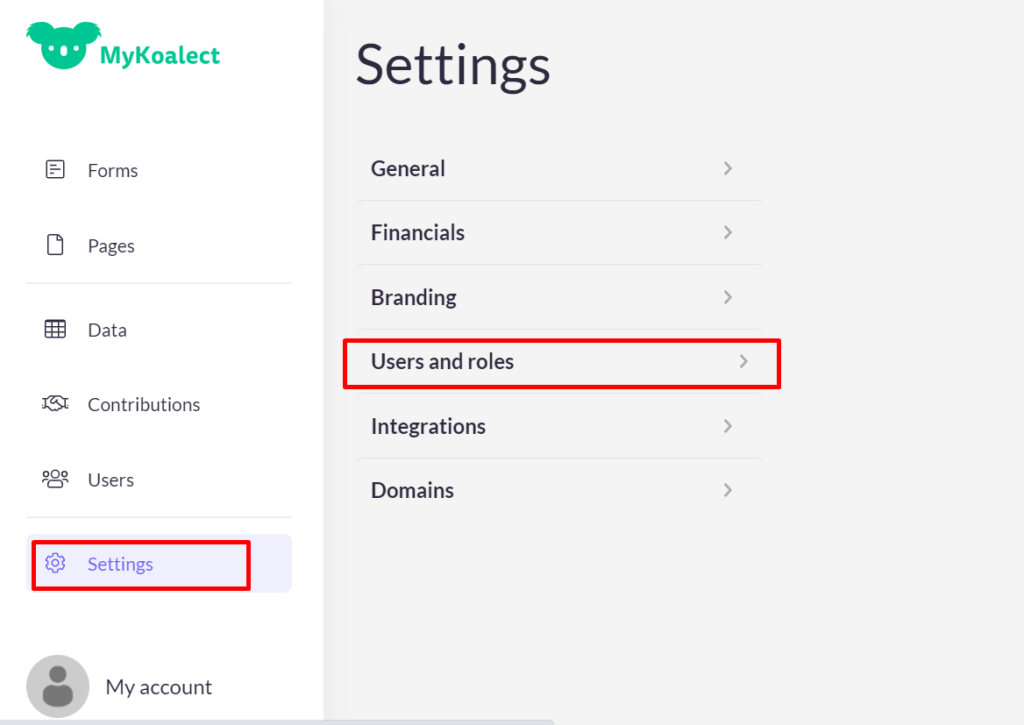
You can invite an unlimited amount of users to MyKoalect through the settings. Follow these steps:
- Go to Settings > Users & Roles.
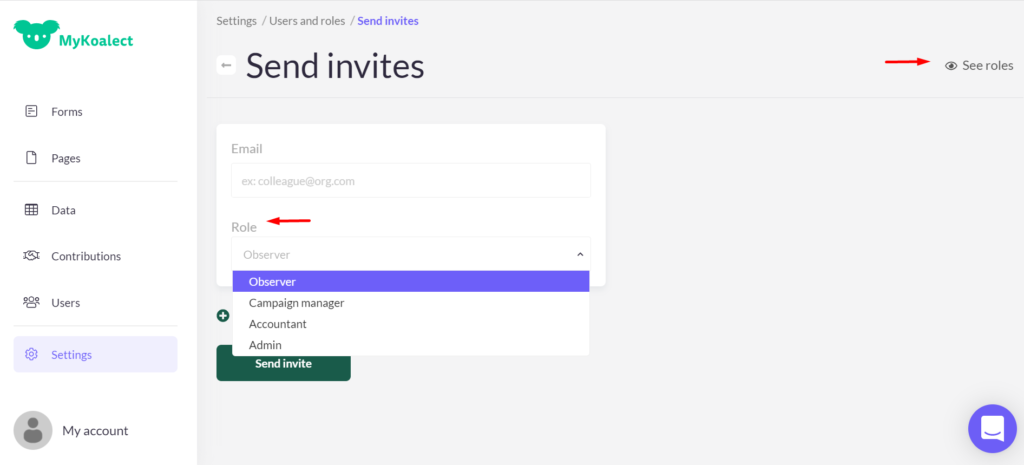
- Click 'invite people'
- Enter the email address of the person you want to invite.
- Assign a role to the user. For a detailed explanation of the available roles, click on 'See roles' in the right above corner.
Role Descriptions
Observers can:
- View campaigns
- View contributions
Campaign Managers can:
- View campaigns
- Create campaigns
- Manage campaigns
- View contributions
Accountants can:
- View campaigns
- Create campaigns
- Manage campaigns
- View contributions
- Manage organization settings
- Manage financial settings
Admins can:
- View campaigns
- Create campaigns
- Manage campaigns
- View contributions
- Manage organization settings
- Manage financial settings
- Invite people
- Manage users