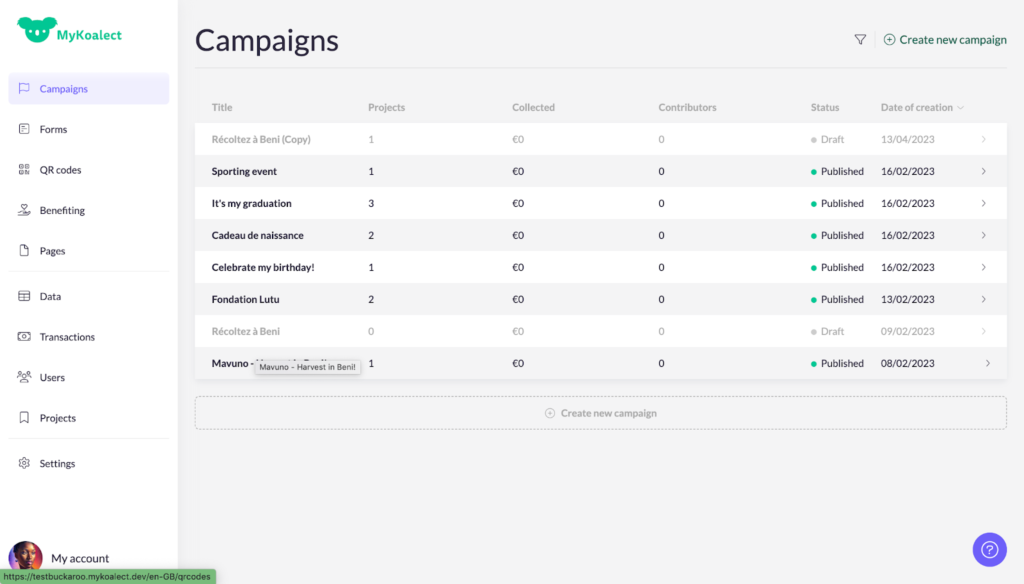
This article will give you the definitions of Koalect jargon in order to better navigate your platform.
Campaigns
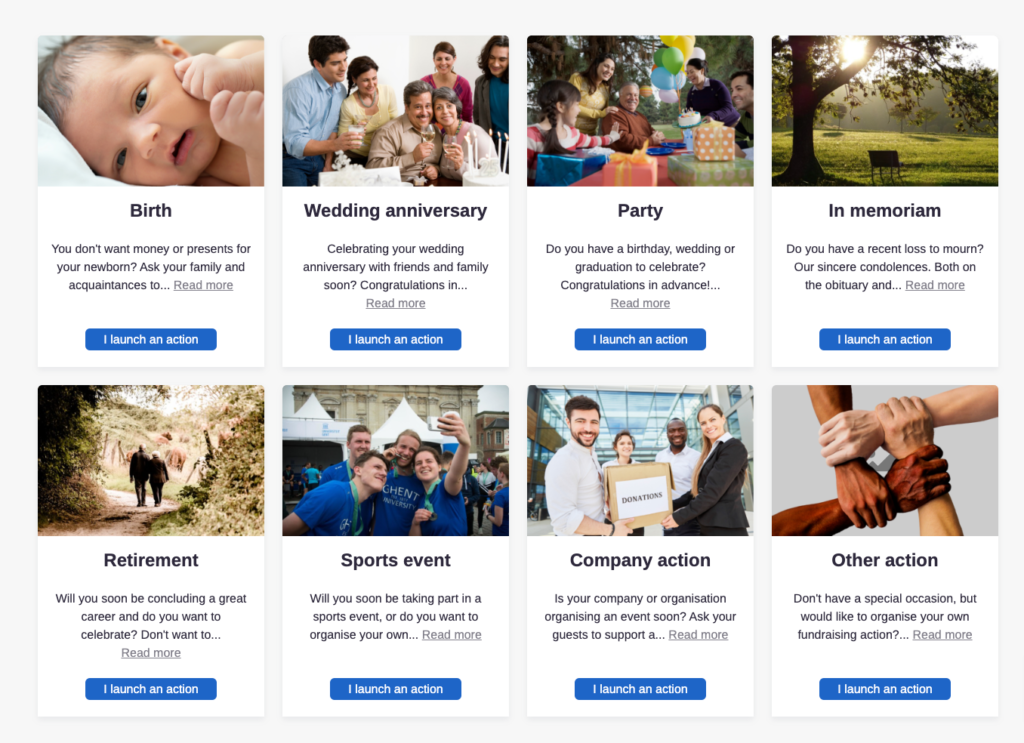
Campaigns are created to organise your peer-to-peer fundraising. Campaigns are types or categories of projects that can be launched on the platform. It’s possible to have a large number of projects under one campaign.
Example of campaigns are:
- To Sportive challenges and sponsor you
- To celebrate a birthday and collect donations for a good cause (in stead of presents)
- To celebrate the birth of your child
- In Memoriam: for the memory of a
- To sell own made products
- ....
Example of different campaigns on your platform:
Project
Projects are action pages to raise money made by participants on the fundraising platform under a campaign. These actions may have a fundraising goal and a time limit.
Forms
Each form is a procedure in which the goal is to collect data or/and money. You can totally customise the forms by adding and/or removing sections and elements in MyKoalect. Three types of forms are created automatically by our system each time a project is made:
- Create project form: Procedure for creating a project.
- Donation form: Procedure for contributing to the project.
- Project invitation form: Procedure to invite to the project.
QR Codes
Web QR codes that link to a web page (e.g. a Koalect Form) on which the donor leaves his/her data:
(+) 100% of the data for a tax certificate.
(-) cannot be scanned with banking applications.
Payconiq QR codes (integrated in Koalect) that can be scanned with banking and payment applications:
(+) Easiest way to pay
(+) Brand recognition.
(-) Only donor data in 50% of cases.
Twikey QR codes (integrated in Koalect)
(+) Can be scanned with banking applications and phone cameras.
(+) 100% of data for a tax certificate.
MyKoalect
Koalects back office platform where you can create and manage your P2P campaigns, forms, data, pages and projects.