
You can easily upload your logo via MyKoalect:
- Go to Settings
- Select Branding > Logo
- Upload your organisation’s logo
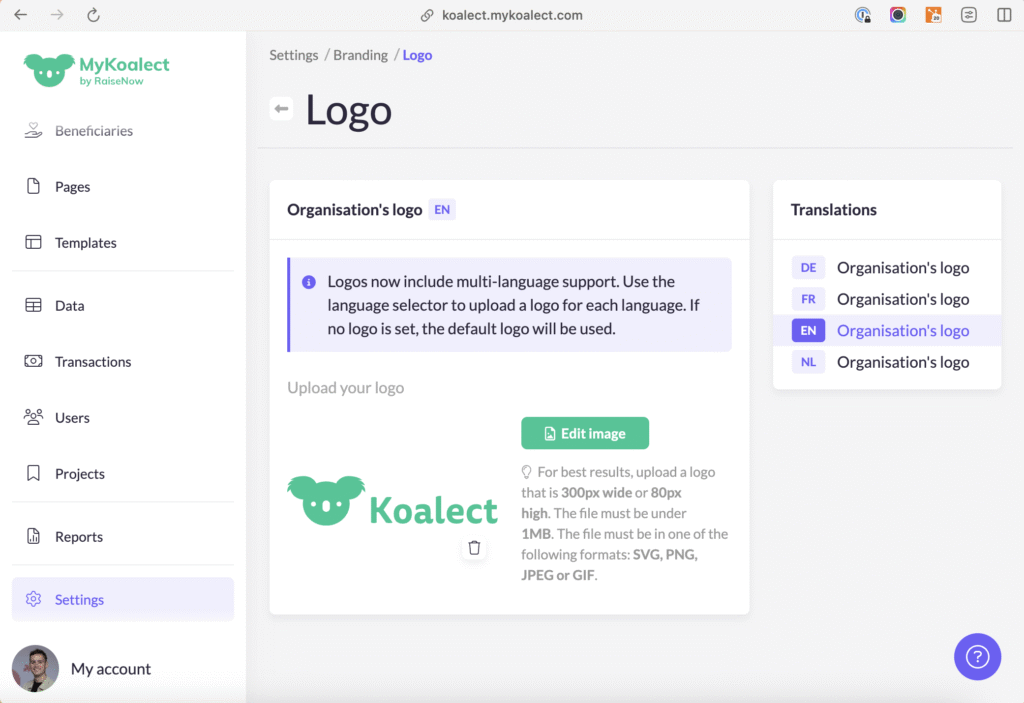
TIP: It’s also possible to upload different logo versions for each language. This way, you can adapt to language-specific visuals, taglines, or legal requirements.
Once uploaded, your logo will automatically appear:
- At the top of all your forms
- In the header and footer of your Koalect DO platform