
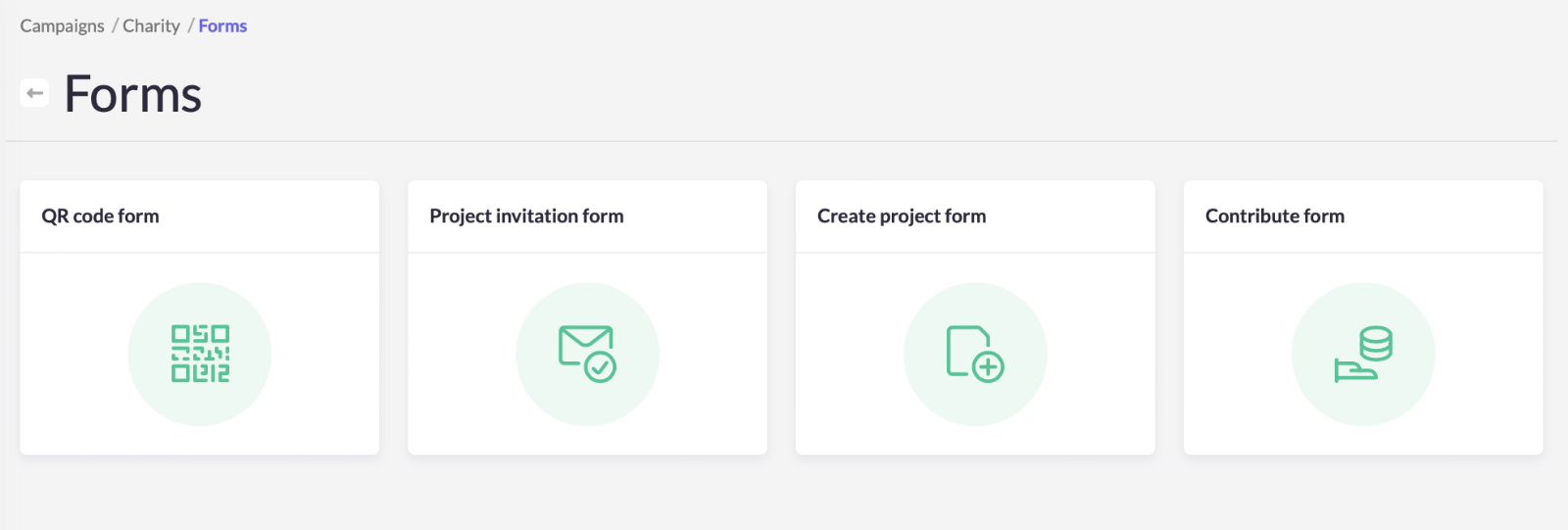
‘Forms’ are the procedures in your campaign. These forms offer extensive customisation options which allows you to ask for specific data required for your campaign.
A campaign has three to four different types of forms.
- Project invitation form: when a project member invites a new member to their team.
- Create project form: when a user creates a new project.
- Contribute form: when a user wants to make a contribution to a project
- QR code form: (works only with Koalect Scan) to create a QR-code per project.
Tip: How to test a ‘Create project form”. Go to the settings of your ‘Campaign’ > click on ‘Links’ > Copy and paste the link in a new tab > you will enter the procedure when a supporter creates a project.
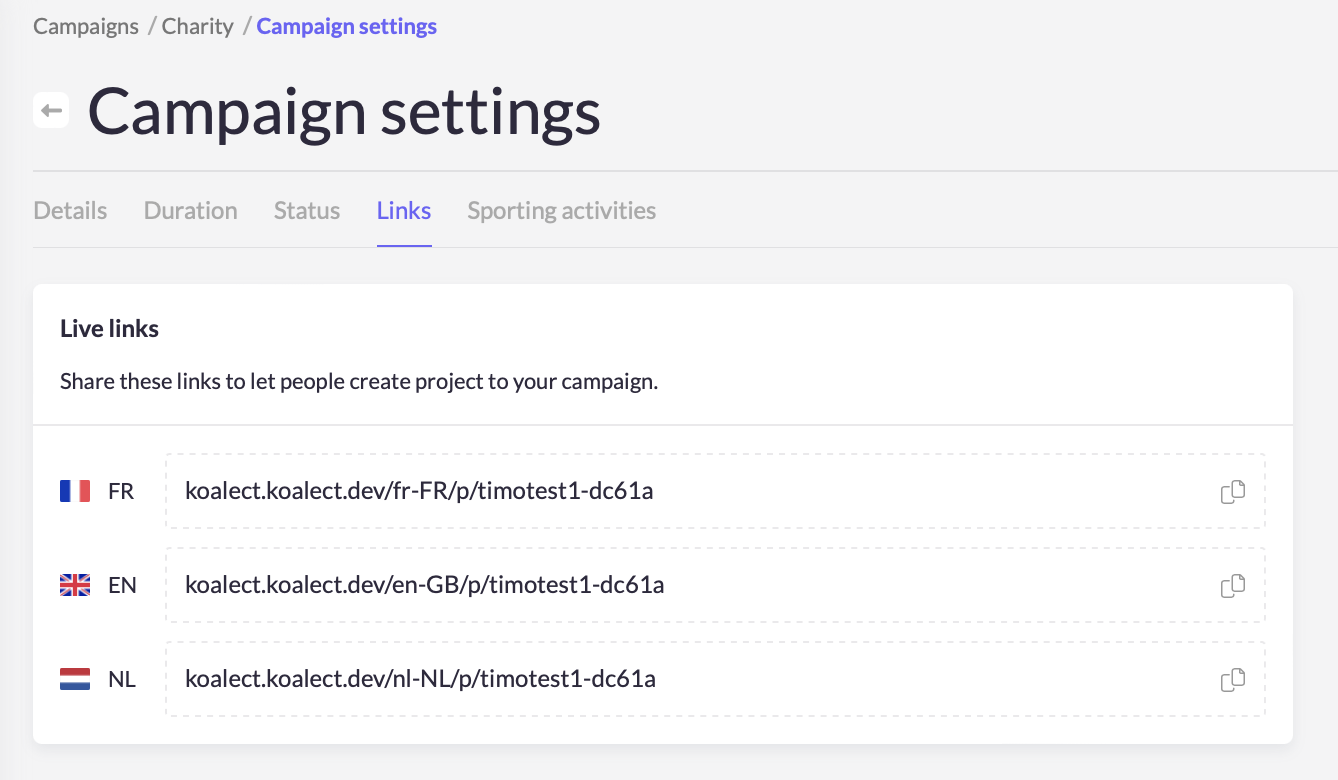 Test your 'project create form' with these links.