Projects evolve. Team members leave, roles change, new people take over. With just a few clicks, you can transfer ownership of a project page directly in the project settings or in MyKoalect.
Project page settings
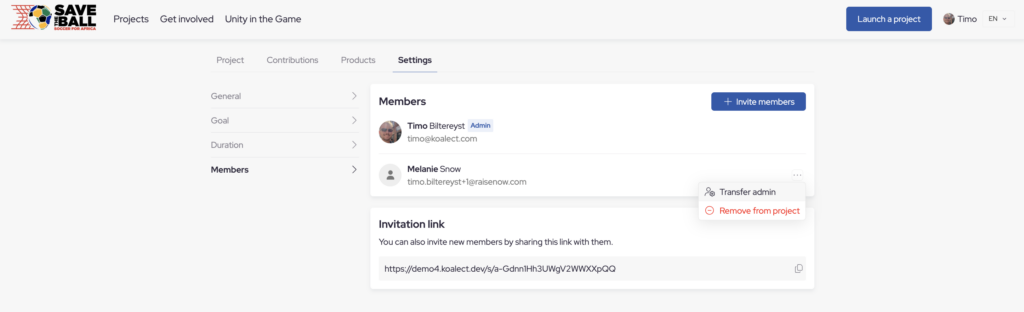
- Navigate to the project page on the platform
- Enter settings > Members
- Transfer admin
MyKoalect
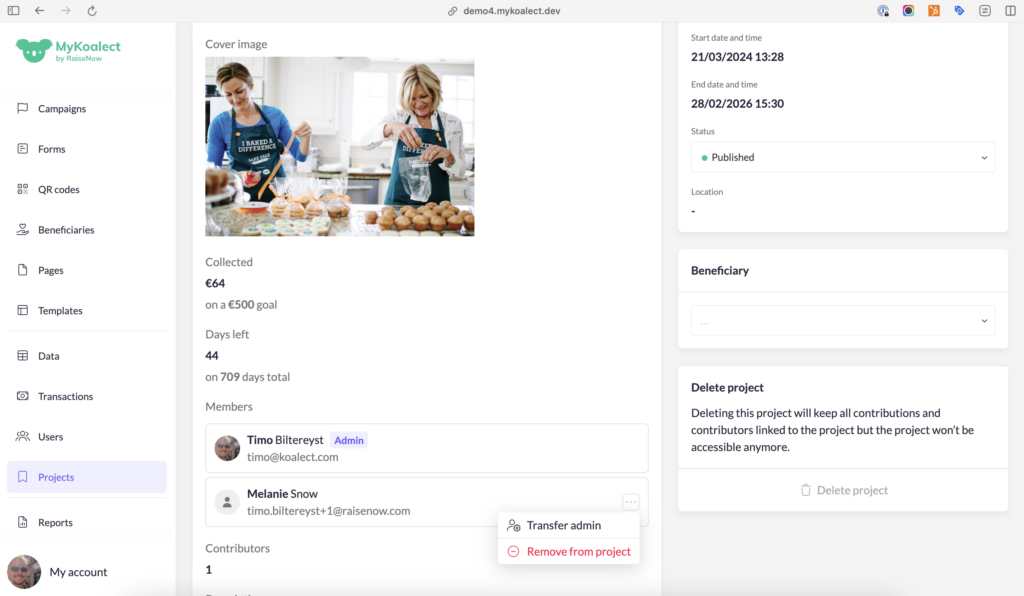
- Navigate to the projects tab in the navigation column and find the project page you wish to edit.
- Transfer admin rights in the members section.