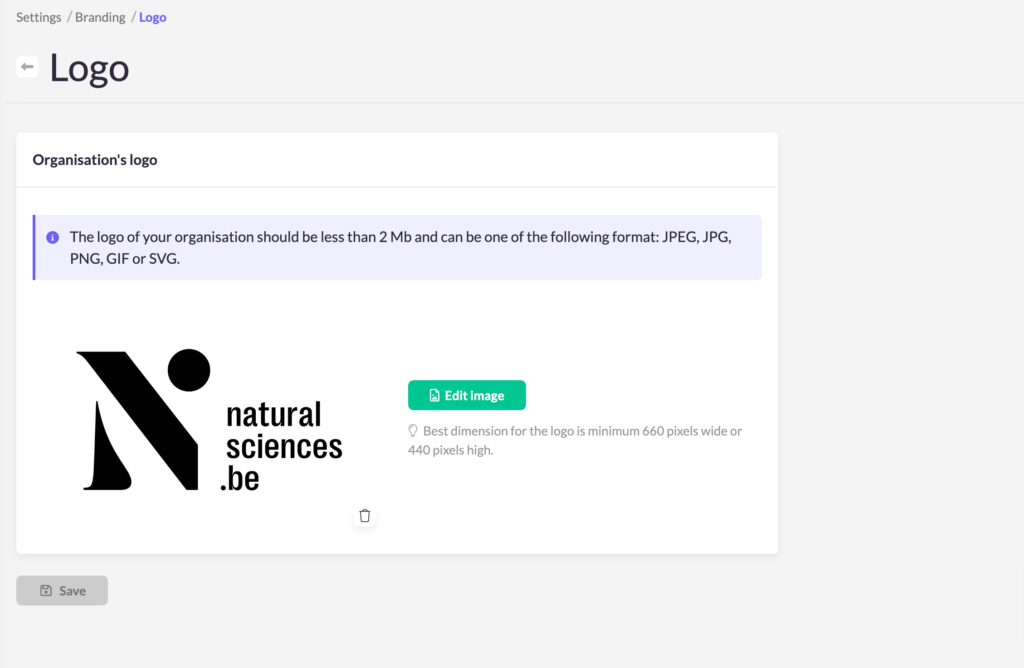
To customize your Koalect forms and platform, it’s important to incorporate your organization's branding elements through MyKoalect. You’ll need to update three key elements:
- Colors
- Typography
- Logo
To start, navigate to the general settings and select "Branding".
Colors
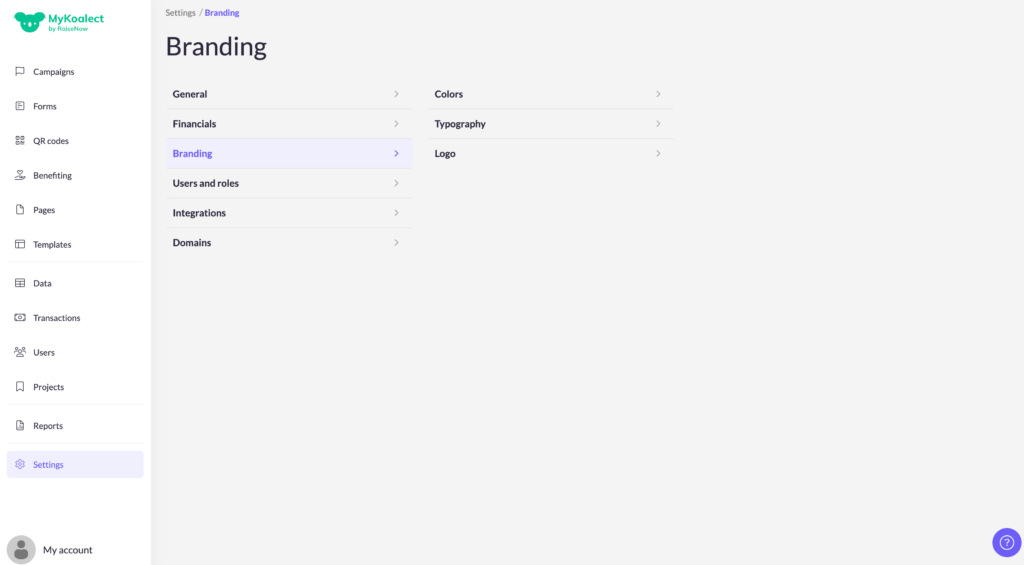
In the colors section, you can set your brand's primary, secondary, and tertiary colors. It's a good idea to test these changes first by reviewing how they appear on your forms, pages, and campaigns. You can also set a default background color for your donation form, if desired.
Additionally, you can also apply colors to the text of the buttons.
Typography
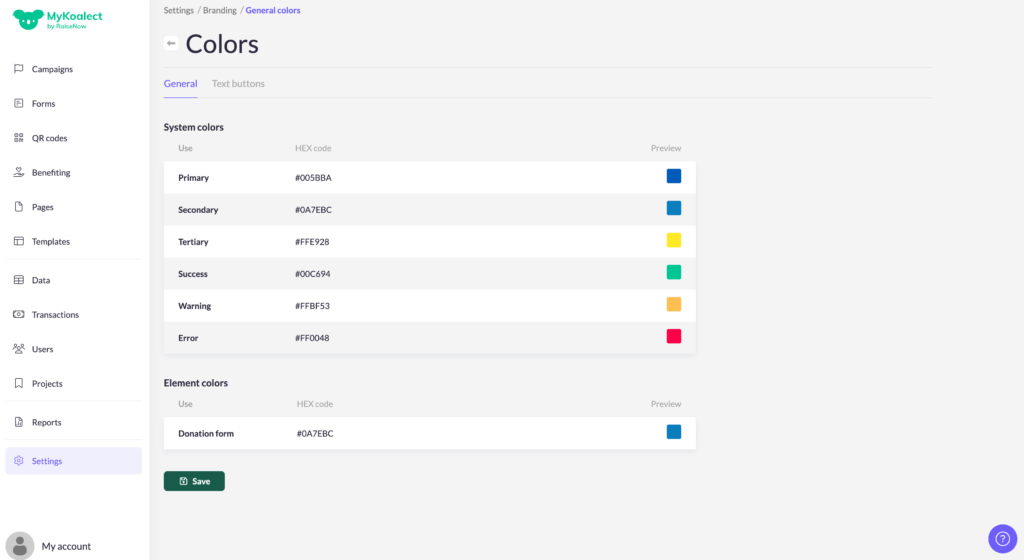
For typography, you can select a Google font from the provided list and adjust the font size to your preference.
Logo
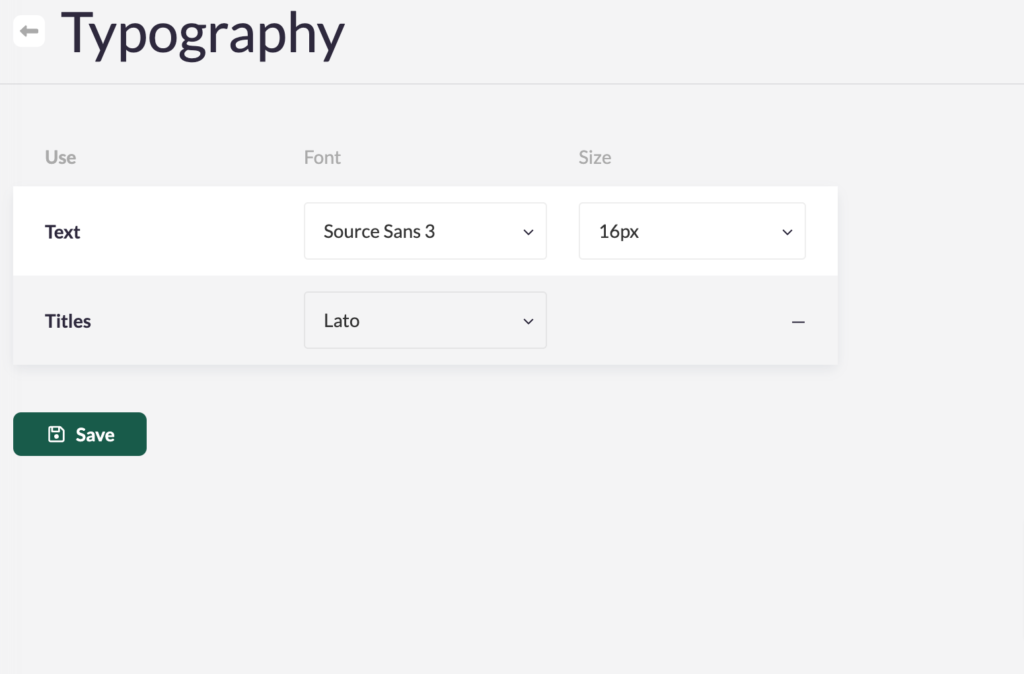
Your organization's logo should be less than 2 MB and can be in one of the following formats: JPEG, JPG, PNG, GIF, or SVG. Ensure that you upload a high-quality logo with a transparent background.